
Tag: OBS Black Screen Fix

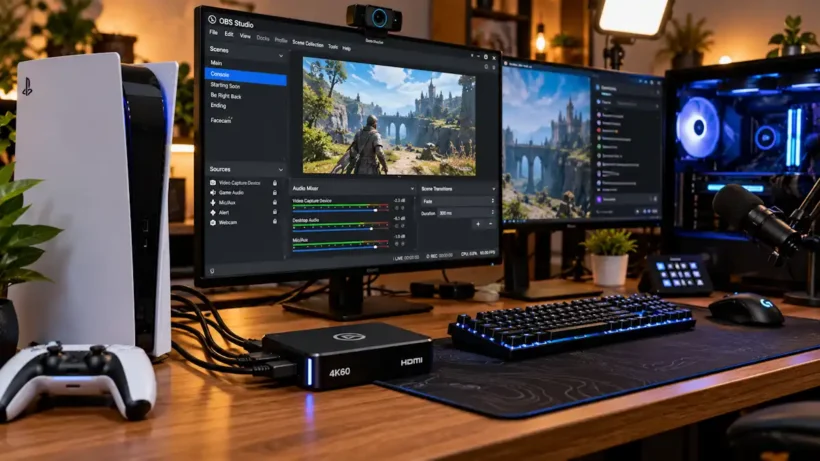
Dual PC and console live streaming setup with an external capture card and OBS Studio on screen
Software & Streaming Fixes

Fix Capture Card Black Screen in OBS: 5 Proven & Easy Console Fixes (2026)

Quick Summary / The 30-Second Fix: If your capture card shows a black feed, turn off HDCP on your console (PS5: Settings > System > HDMI > Enable HDCP > Off) and plug your USB capture card directly into a rear motherboard USB 3.x port—never a front case jack or

OBS Studio Game Capture displaying a black screen error on Windows 11 setup with a gaming laptop and monitors.
Software & Streaming Fixes

7 Proven, Easy Ways to Fix OBS Game Capture Black Screen on Windows 11

Quick Summary / The 30-Second Fix Run OBS Studio as an administrator, match both OBS and your game to your dedicated high-performance GPU in Windows 11 Graphics Settings, and turn off conflicting third-party in-game overlays. This immediately restores hook injection across most modern titles. Works on: Windows 11 (24H2 /

Fix OBS Studio capture specific window black screen error on Windows 11 with Steam and Chrome
Software & Streaming Fixes

7 Proven Fixes: OBS Capture Specific Window Black Screen (Steam & Chrome)

Instant Resolution: To instantly resolve the obs capture specific window black screen error, close OBS Studio completely, right-click its desktop shortcut, and select Run as Administrator. Next, double-click your Window Capture source inside OBS, change the Capture Method from Automatic to Windows 10 (1903 and up), and turn off Hardware