
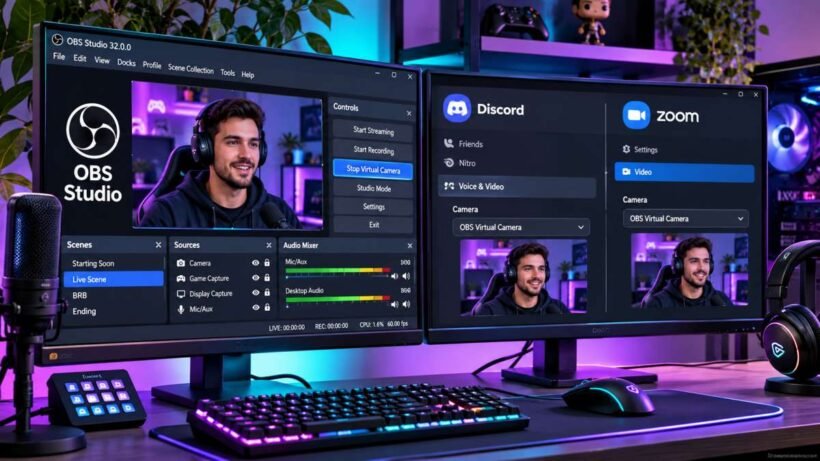
5 Working Fixes: How to Fix OBS Virtual Camera Not Showing Up in Discord or Zoom
Quick Summary / The 30-Second Fix Close your communication apps, launch OBS Studio as an Administrator, and click Start Virtual Camera in the Controls dock. If the driver hangs permanently, open Command Prompt as Admin and run: regsvr32 "C:\Program Files\obs-studio\data\obs-plugins\win-dshow\obs-virtualcam-module64.dll" to re-register the system device. Compatibility: Windows 11 / Windows