
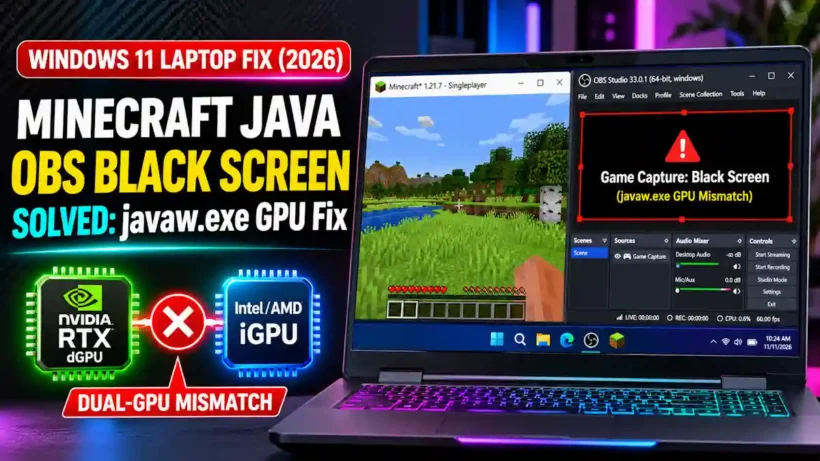
7 Proven Ways to Easily Fix Minecraft Java OBS Black Screen on Laptops (2026 Windows 11 Fix)
Quick Summary / The 30-Second Fix To fix the Minecraft Java OBS black screen on a dual-GPU gaming laptop, locate your active javaw.exe runtime path in Windows Task Manager while the game is open, then assign that exact file to High Performance (your dedicated NVIDIA RTX or AMD Radeon GPU)